The Kingsoft Office main interface includes a row of icons similar to
what you'd find in your basic word processor or spreadsheet editor. It
handles all the latest Microsoft Word, Excel, and PowerPoint file
formats as well as text and PDF files. You can create files as well, it
could get a bit tedious trying to produce anything too long or
complicated. Kingsoft Office works best for making a few changes to an
existing file. In our tests, we encountered no problems working with the
files we threw its way, and it was a simple process to add or edit text
or make other modifications.
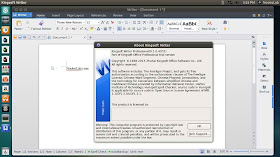
Kingsoft Writer
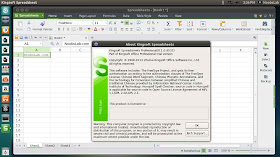
Kingsoft Spreadsheet
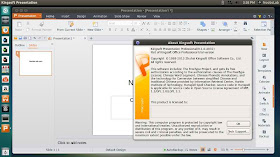
Kingsoft Presentation
To install Kingsoft Office in Ubuntu/Linux Mint open Terminal (Press Ctrl+Alt+T) and copy the following commands in the Terminal:
>> For 32bit
- cd && wget -O kingsoft-office-NoobsLab.deb http://goo.gl/Zw0VG
- sudo dpkg -i kingsoft-office-NoobsLab.deb
- rm kingsoft-office-NoobsLab.deb
>> For 64bit
- sudo apt-get install ia32-libs
- cd && wget -O kingsoft-office-NoobsLab.deb http://goo.gl/Zw0VG
- sudo dpkg -i kingsoft-office-NoobsLab.deb
- rm kingsoft-office-NoobsLab.deb
via [[
source ]]

No comments:
Post a Comment